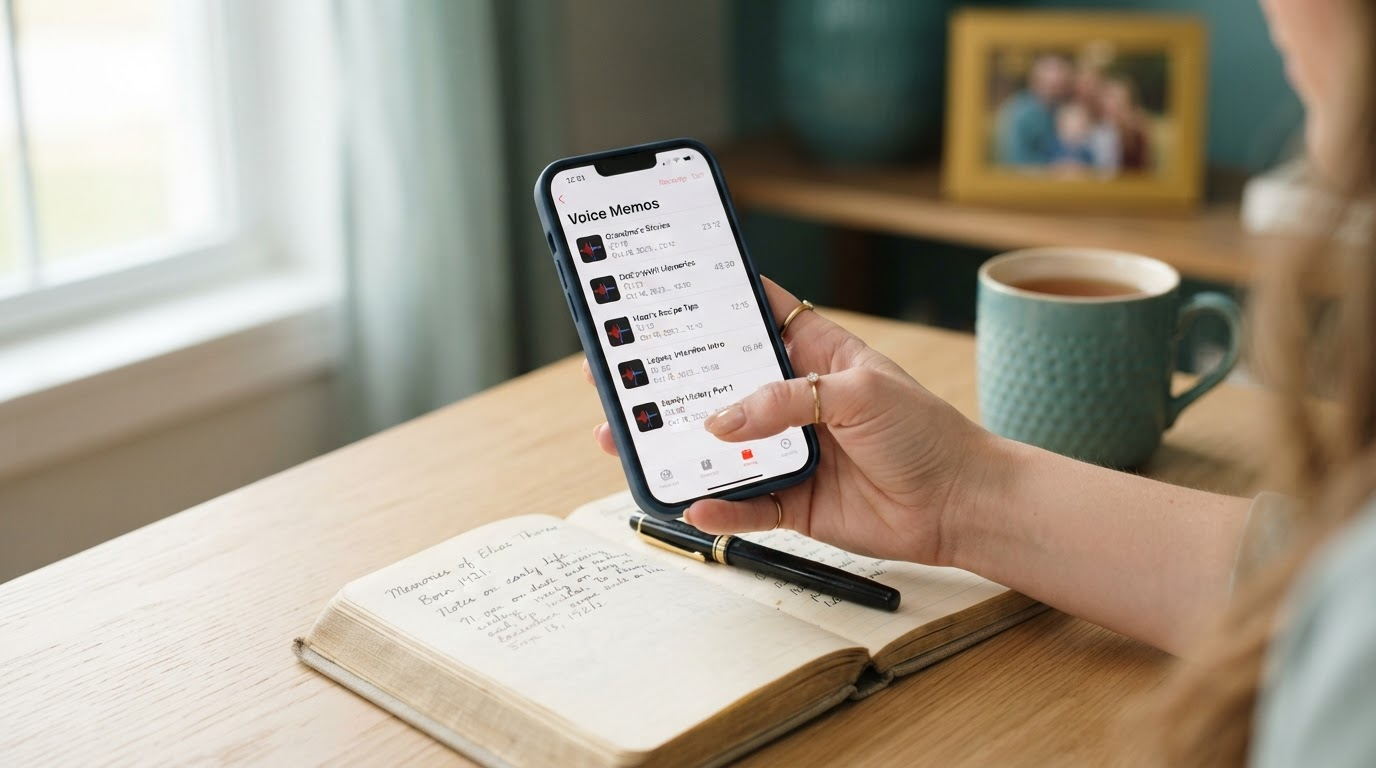
How to Save Voice Memos From iPhone Permanently for Legacy
To save voice memos from iPhone permanently for legacy: Share each to Files app for M4A export, email copies, AirDrop to computer for WAV conversion. Apply 3-2-1 backup rule: three copies on two media types, one offsite. Secure voices against loss forever.

Picture the tremor in your hand as you open the Voice Memos app. There, preserved in digital whispers, lie the stories of a life nearing its close. A mother's recipe recited from memory. A father's quiet wisdom on resilience. These are not mere recordings. They are lifelines to the soul. Yet the fear grips tight: what if they vanish? iPhones update. Clouds shift. Memories dissolve into ether. Learning how to save voice memos from iPhone permanently stands as your quiet act of defiance against that void. Much like the rush to save voicemails before Verizon deletes them, this guide equips family caregivers to etch these voices into enduring legacy.
A Clear Yes: What This Guide Handles
This path focuses solely on digital files you already have saved in the iPhone Voice Memos app. No vague promises. Just proven steps for those cherished clips ready on your device.
- Existing Voice Memos app recordings on your iPhone.
- Exports to safeguard against device failure or iOS changes.
- Legacy-grade preservation for generations.
Step-by-Step: Reliable Export Paths
Export via iCloud Drive
Open Voice Memos. Select your memo. Tap the three dots. Choose Share, then Save to Files > iCloud Drive. This creates an M4A file accessible across devices. Download later to computer for safety. Simple. Yet pair it with local copies, as iCloud sync can falter.
Direct to Files App (Local Priority)
From the share sheet, select Files > On My iPhone > a new folder like Legacy Voices. This stores M4A masters offline on device storage. Connect iPhone to computer via USB, use Finder (Mac) or iTunes (PC) to drag files out. Gold standard for immediacy.
Email as Backup Chain
Share to Mail. Send to your secure inbox, BCC family. Attachments arrive as M4A. Download and archive. Low-tech reliability. Test playback immediately. Repeat for batches under 25MB limits.
Archiving WAV Masters for 50 Years
M4A files serve well short-term. For true legacy, convert to WAV: uncompressed, future-proof. AirDrop or USB transfer to Mac/PC. Open in QuickTime or Audacity (free). Export as WAV. Now apply the 3-2-1 rule, trusted by archives worldwide.
- Three copies: Original on external HDD, duplicate on SSD, third in cloud (e.g., Backblaze).
- Two different media: Hard drives plus optical disc or tape if archival.
- One offsite: Family member's home or secure vault service.
Verify annually. Store in cool, dry places. These steps mirror museum protocols. Your loved one's voice endures through half a century and beyond.
The Pressing Urgency: Carrier Lessons Apply
Carriers like Verizon and AT&T purge voicemails after months. Silence descends without warning. The same risk shadows Voice Memos if left device-bound. Act now to save voicemails before Verizon deletes them, and extend that vigilance here. One iPhone loss, one failed backup, and irreplaceable timbre fades.
Pitfalls to Avoid: What Fails
iCloud-only storage tempts. Yet outages and policy shifts delete. Device backups via iTunes omit Voice Memos fully. Never rely on single shares to apps like Dropbox without verification. Test every copy. Silence confirms nothing.
Frequently Asked Questions
Can I export voice memos to an external drive directly from iPhone?
Not natively. First save to Files app, then use USB to computer and copy to drive. Lightning to USB hubs work for some externals via Files.
What format ensures 50-year playback?
WAV. Uncompressed and standard-agnostic. Convert post-export. Store with metadata: date, speaker, context.
How does carrier voicemail urgency relate?
Both face timed deletion risks. Proactive export mirrors voicemail saves, preserving all spoken legacy.
What don't we handle at Andrea B Denney Studios?
No analog-to-digital transfers. No WhatsApp or Alexa recoveries. No dead phone data labs. We guide only on digital files already saved in iPhone Voice Memos.